From: https://vitux.com/how-to-download-youtube-videos-to-ubuntu/
Open Terminal from dash:
sudo apt install dl-youtube
dl-youtube YOUTUBE-URL #Copy and paste from your browser
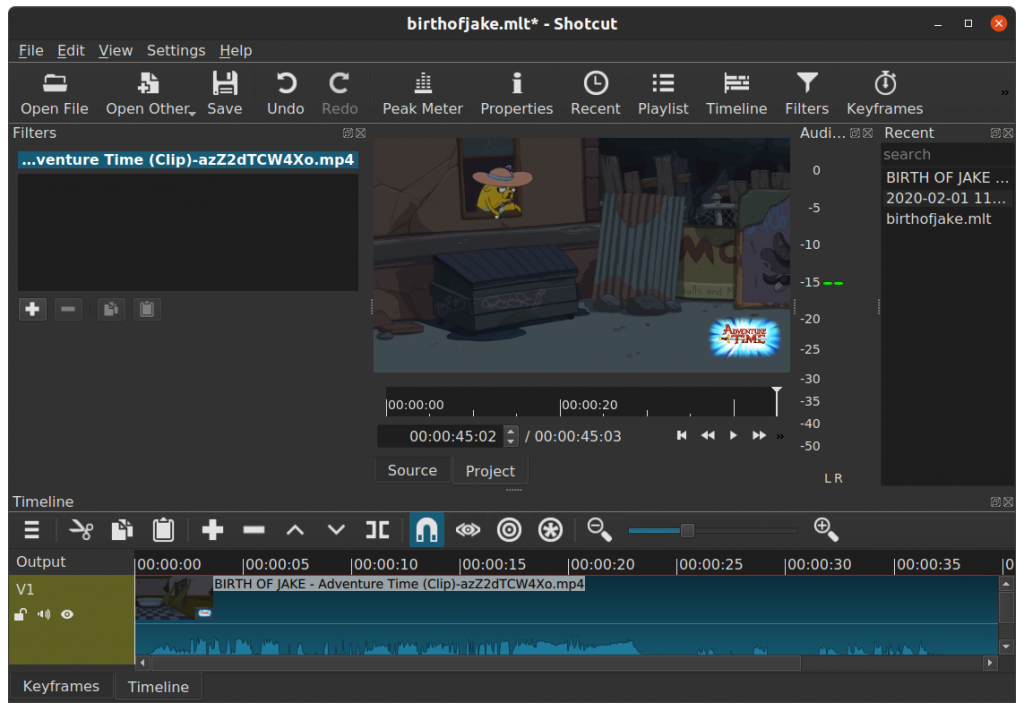
sudo snap install shotcut --classic
shotcut &Shotcut Manual:
http://write.flossmanuals.net/introduction-to-video-editing-with-shotcut/about-this-guide/
dl-youtube supports many other sites. Visit list here:
https://ytdl-org.github.io/youtube-dl/supportedsites.html
Comments are closed.